반응형

TIL/Playwright 9

로그인 인증 상태 저장 및 재사용 방법 w/ Playwright

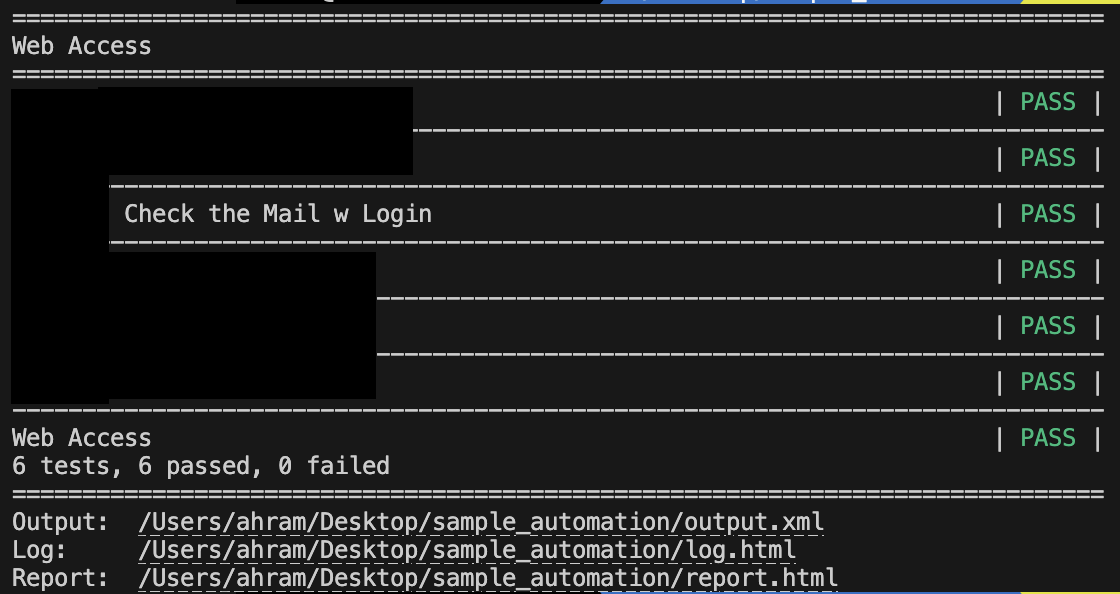
로그인의 흐름은 자주 바뀔 수 있다 캡차, OTP, SSO 같은 요소가 섞이면 자동화가 불안정해진다 그래서 사람 손으로 한 번 로그인을 하고, 이후에는 인증 상태를 저장하고 재사용하는 방법을 사용했다 전체 흐름 🧑 사람이 한번 GUI 브라우저로 수동 로그인을 하고 세션을 JSON 으로 저장한다 🤖 실행 시 저장된 JSON 을 Context 에 로드해서 로그인 상태로 시작한다 폴더 구조 project/├── scripts/│ └── save_login_session.py 👈 사람 손으로 로그인해서 세션 저장├── keywords/│ ├── login_keywords.py 👈 저장된 세션을 불러오는 Python 키워드│ └── main_keywords.py ..
TIL/Playwright 2025.08.12

Playwright 로 API Test 해보기 w/ OpenAPI

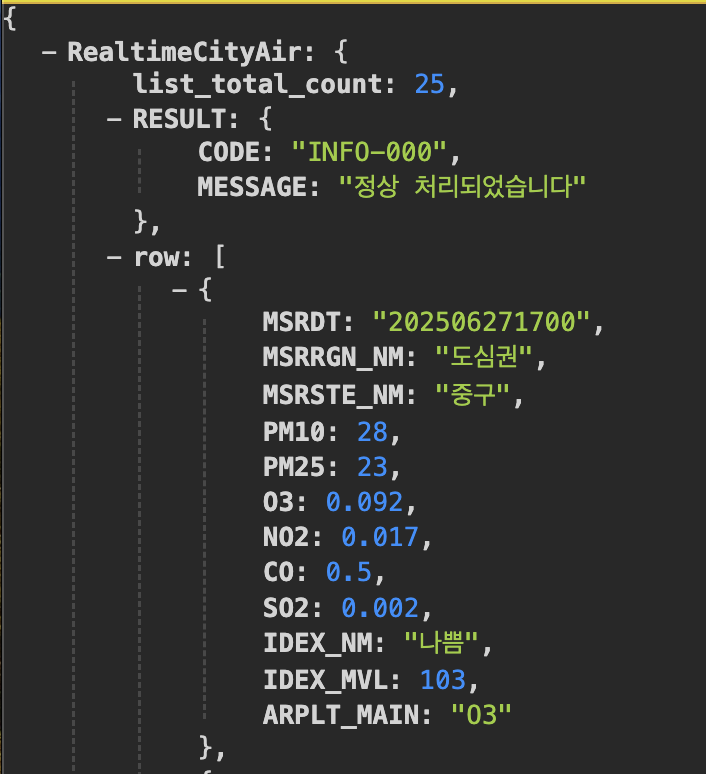
Playwright 는 주로 Browser UI 검증에 활용되는 도구지만, API Test 에도 활용할 수 있다 정글 입학시험 준비자료에서 다뤘던 서울시 실시간 대기정보 Open API 를 예시로 Playwright Python 을 이용한 API Test 를 간단하게 만져봤다 🔗 API URL http://openapi.seoul.go.kr:8088/6d4d776b466c656533356a4b4b5872/json/RealtimeCityAir/1/99✅ To Do 1. 요청이 성공적으로 되는지 2. 응답 형식이 JSON 이고 3. 특정 데이터가 응답에 포함되어 있는지 응답 구조 살펴보기우선, 실시간 대기정보 OpenAPI 는 아래와 같은 구성으로 되어 있다RealtimeCityAir 은 응답 JSON..

TIL/Playwright 2025.06.30

Playwright Python: Tutorial #5 - API Testing

Playwright Python: Tutorial #5 - API Testing Tutorial #1 https://helloahram.tistory.com/221 Tutorial #2 https://helloahram.tistory.com/222Tutorial #3 https://helloahram.tistory.com/223Tutorial # 4 https://helloahram.tistory.com/224   API Testing Playwright 공식 문서 https://playwright.dev/python/docs/api-testing API Testing 으로 Server API 를 시험하고 Server Side Post Condition 을 Validate 할 수 있다  APIReques..

TIL/Playwright 2025.02.28

Playwright Python: Tutorial #4 - Browser Context

Playwright Python: Tutorial #4 - Browser ContextTutorial #1 https://helloahram.tistory.com/221 Tutorial #2 https://helloahram.tistory.com/222Tutorial #3 https://helloahram.tistory.com/223  Browser Context Playwright 공식 문서 https://playwright.dev/python/docs/api/class-browsercontext  BrowserContext는 여러 개의 독립적인 브라우저 세션을 운영하는 방법을 제공한다 Browser 에 Cookie 를 넣을 수도 있고, 테스트 환경을 격리하여 성능을 최적화 할 수도 있다 # https..

TIL/Playwright 2025.02.27

Playwright Python: Tutorial #3 - Test Generator

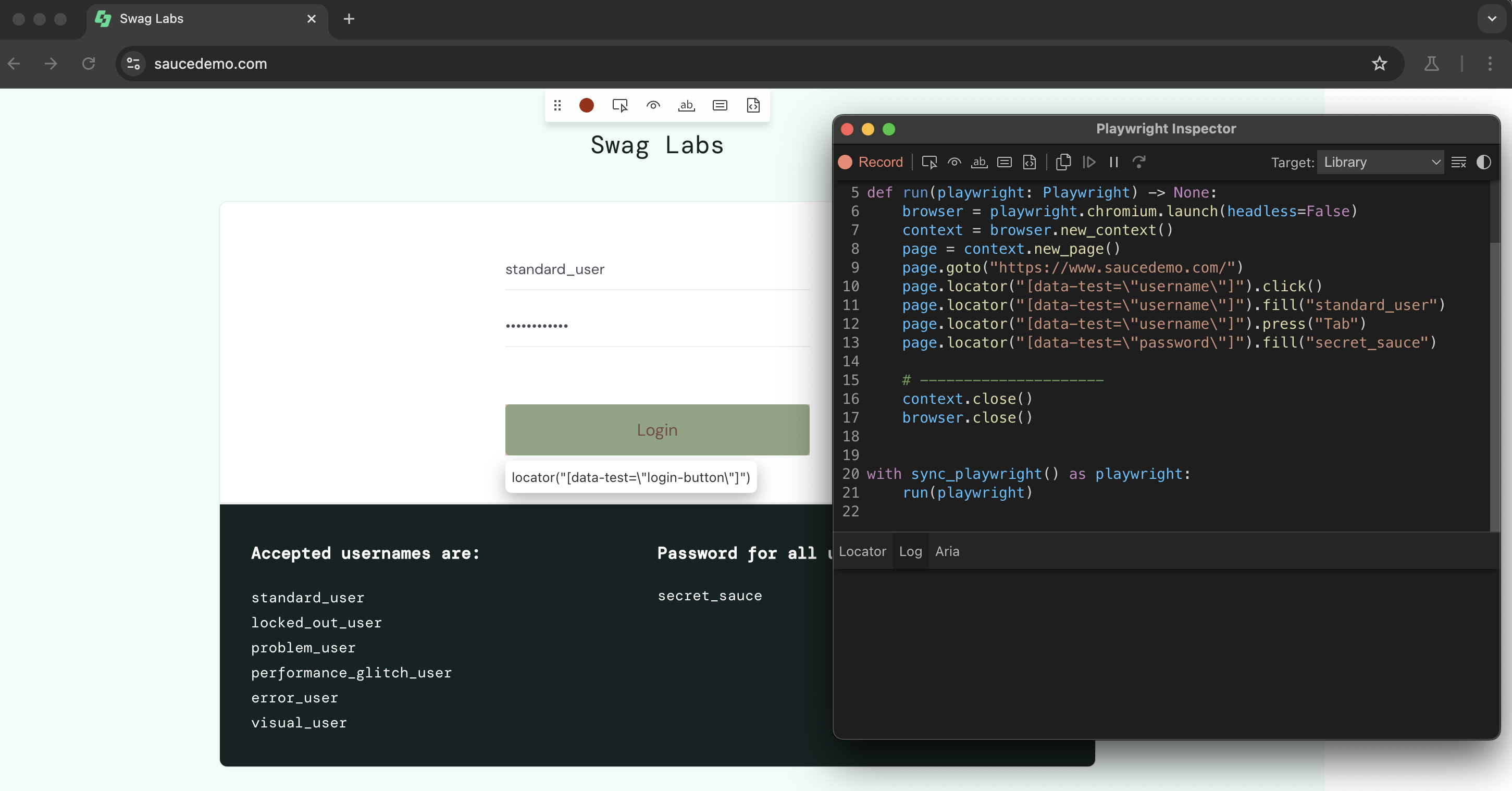
Playwright Python: Tutorial #3 - Test Generator Tutorial #1 https://helloahram.tistory.com/221 Tutorial #2 https://helloahram.tistory.com/222  Codegen 을 이용하여 Test Code 를 간단하게 생성할 수 있다 Playwright 공식 문서 https://playwright.dev/python/docs/codegen-introplaywright codegen https://www.saucedemo.com Inspector 의 Code 를 복사해서 내가 필요한 것만 사용할 수 있다 # https://youtu.be/IRTeqUXkPbA?si=ZhBPwp9c6E1mKzLjimport refr..

TIL/Playwright 2025.02.24

Playwright Python: Tutorial #2 - Pytest

Playwright Python: Tutorial #2 - PytestTutorial #1 https://helloahram.tistory.com/221  Pytest Plugin 을 설치해준다 pip install playwright pytest-playwrightplaywright install # Playwright Browser 설치 파일명은 제일 앞에 test_ 또는 제일 뒤에 _test 로 만들어준다 ex. test_webpage.py or webpage_test.py  Test Code 를 작성할 때는 반.드.시!🔥 테스트 함수의 이름 제일 앞에 test_ 를 적어줘야 한다 🔥그리고 본문에는 아래와 같은 Test Code 예시를 작성해 준다 # https://youtu.be/IDrTac..

TIL/Playwright 2025.02.21

Playwright Python: Tutorial #1 - async, Browser

Playwright Python: Tutorial #1 - async, BrowserPlaywright 설치는 https://helloahram.tistory.com/210 참고  Playwright 설치하고 사용하기 w/ PythonPlaywright 는 Microsoft 에서 개발한 오픈 소스 자동화 도구이다 Selenium 과 유사하지만, Chromium, Firefox, WebKit 등 여러 브라우저 엔진을 지원하며 보다 빠르고 안정적인 자동화를 제공하고, 모바일 환helloahram.tistory.com 1. ScreenShot 찍기 - Sync sync_playwright 를 사용하여 동기적으로 작동하는 Playwright API 를 호출한다각 작업은 이전 작업이 끝날 때까지 기다리면서 순차적..

TIL/Playwright 2025.02.20

Assertion 개념과 사용 w/ Playwright

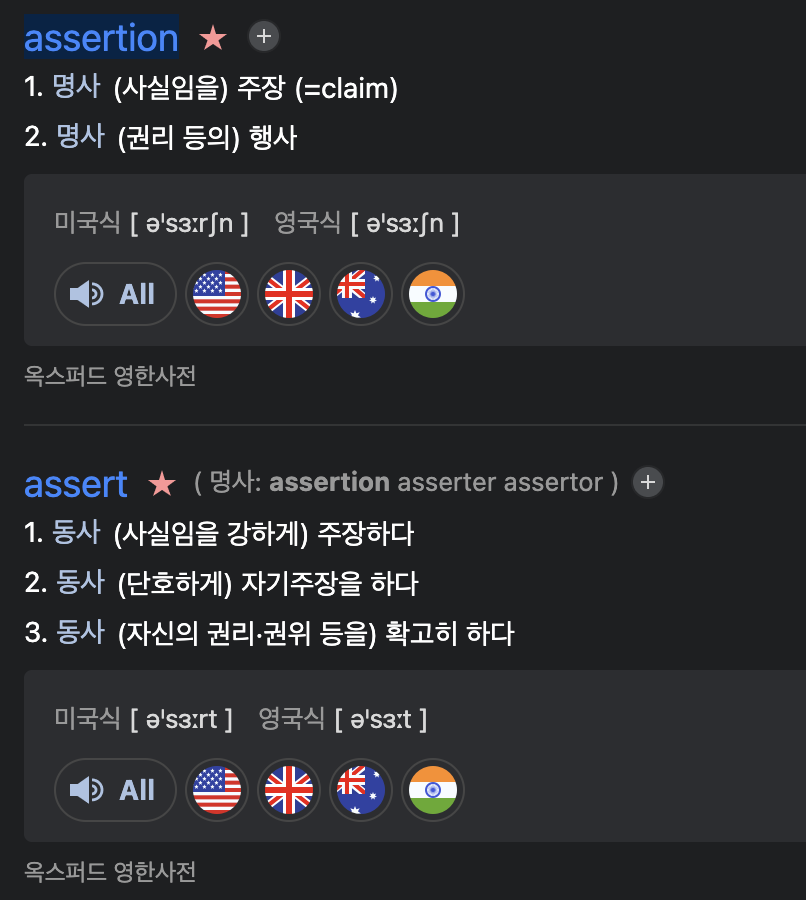
Assertion 이 프로그래밍에서 어떤 의미일까? 1. 주장 Claim → 이 조건이 반드시 참이어야 한다 Assert 를 사용하면 이 조건이 True 라고 단언 (assert) 한다는 의미, 프로그램이 예상대로 동작하지 않으면, "이건 틀렸다!" 라고 강하게 주장하며 실행을 중단하는 역할을 한다 assert 2 + 2 == 4 # ✅ 이건 항상 참이므로 오류 없음assert 2 + 2 == 5 # ❌ AssertionError 발생 (틀린 주장)2. 권리 행사 Exercise of a Right → 잘못된 걸 방지한다 Assertion 은 프로그램이 잘못된 상태로 실행되지 않도록 보호하는 역할을 한다 def withdraw(amount, balance): assert amount  Asser..

TIL/Playwright 2025.02.19

Playwright 작성해보기 w/ Python

Playwright 로 감별마켓 홈 화면에서 도깨비 시장 제일 첫번째 컨텐츠 진입하여 상품 구매하기 버튼 선택 > 네이버쇼핑 화면으로 이동하고 상품 이름 긁어오는 것까지 진행해봤다sync 로 진행했는데 다음에는 async 로도 해봐야지 locator 가져오는 거를 좀 더 알아봐야겠다 https://playwright.dev/docs/locators Locators | PlaywrightIntroductionplaywright.dev import refrom playwright.sync_api import Playwright, sync_playwright, expectdef run(playwright: Playwright) -> None: browser = playwright.chromium.laun..

TIL/Playwright 2025.02.18
반응형